
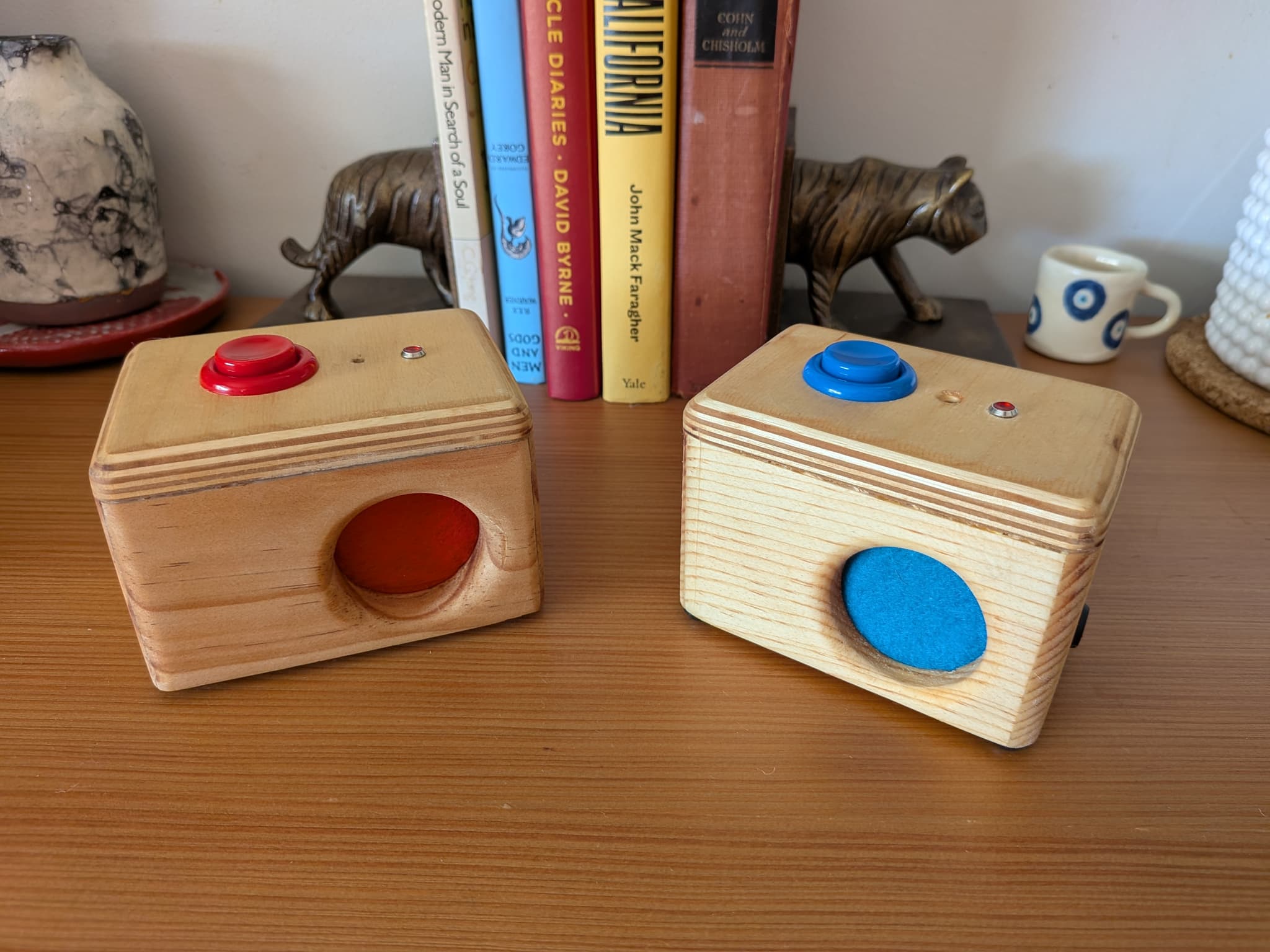
Trade voice messages, no screens attached
Press the big button on top to send a voice message to a family member or a friend. When the "answering machine" light starts to blink, they've sent you a message back!
Parents—listen to all of your loved ones' transcribed recordings and send new answering machine messages from the app.
Fri May 15 2026 03:38 PM
•0:01Knock, knock.
Sat May 16 2026 03:31 AM
•0:01Who's Dale?
Sat May 16 2026 06:06 AM
•0:08Mikey.
Sat May 16 2026 04:47 PM
•0:02Mikey what?
Sat May 16 2026 06:04 PM
•0:07My key won't fit in the door. Open it for me.
Setup
- • Plug in your Shortwave
- • Connect to the sh0rtwave-setup wifi network on your phone
- • Tap the notification to open the setup page
- • Select your home wifi network and enter your password
- • Wait for the status light to turn off
- • Record your first message!